
Interactive team scoreboard

Teacher's tools

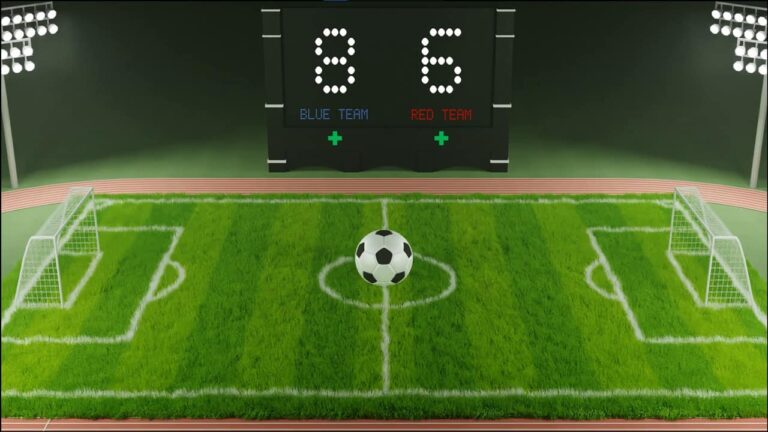
The interactive team scoreboard is a unique tool for organizing classroom competition activities. It helps teachers and students track team results and score easily, transforming school activities into an enjoyable experience that encourages student participation.

  • You can specify the number of teams from 2 to 6 teams, then press the “Apply Number” button.”
  • The differences will be shown on separate cards at the bottom, under the number of teams.
  • You can change the team name and team image by clicking on the image, and you can also change the team color to the desired color.
  • You can also add the names of team members at the bottom of each team card.
  • To change the team's points, press the “+” sign to add points and the “-” sign to decrease the number of points. You can also press buttons for preset points.
  • When points are added to each team, the ranking of the team cards will change according to the total points, from highest to lowest.
  • The ability to easily change team images and colors adds a touch of fun.
  • Creating an atmosphere of competition and enthusiasm in the school
  • Increase student engagement and participation in competitions
  • The ability to easily follow competition results
  • Simplify the scoring process using dedicated buttons.
  • The tool can be enlarged to fill the screen, making it suitable for display on a smart board.
  • The tool is usable and compatible with a wide range of computers, phones, and tablets.
  • Contributing to making competitions more fun and attractive

Similar Posts