Interactive virtual ceremony (graduation or event)

PowerPoint backgrounds 

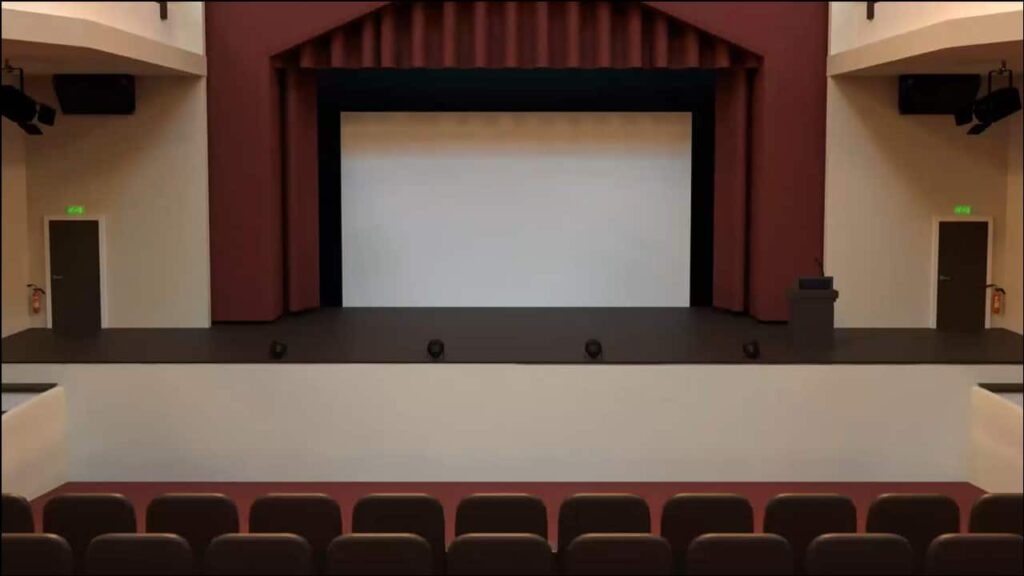
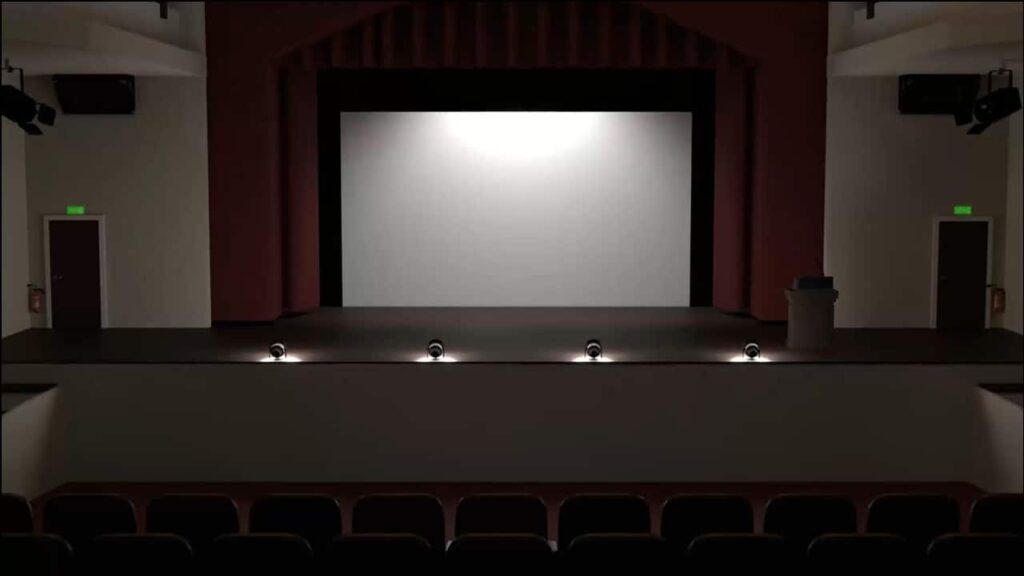
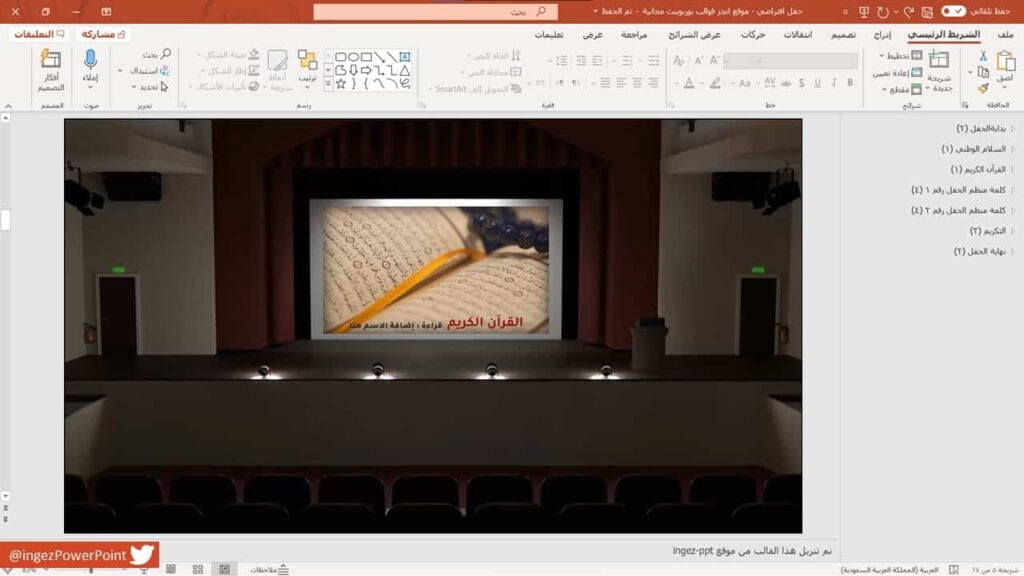
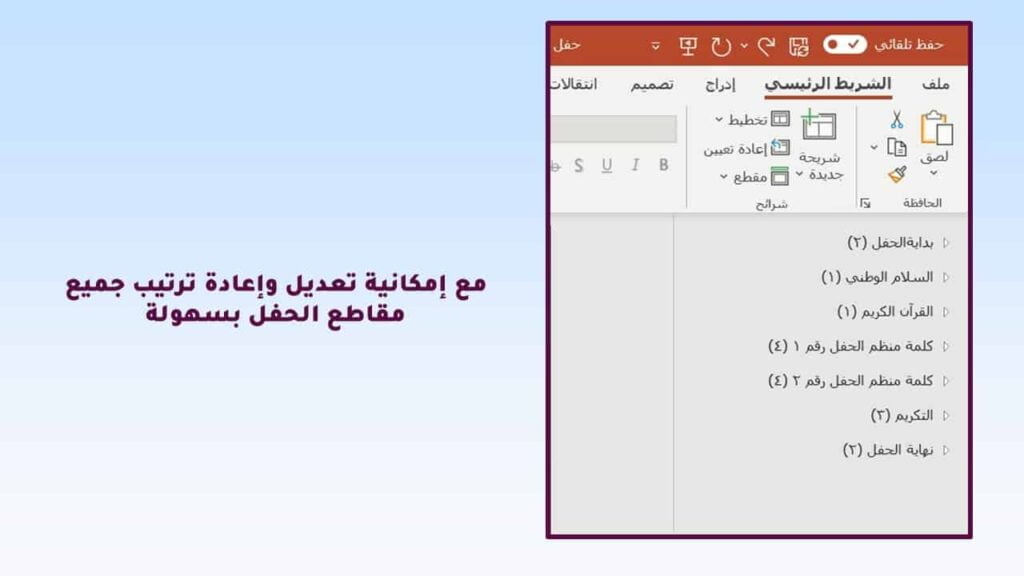
This PowerPoint template is an interactive, stage-style virtual party template that can be used to present and broadcast parties online or via a projector screen. It can be used to organize graduation parties, end-of-year celebrations, special occasions, corporate events, or any party that cannot be held in person for any reason. This template is designed to include various party segments and sections with sound effects that can be easily edited or rearranged as desired using Microsoft PowerPoint.

This template is not limited to delivering a regular presentation, but using a ready-made graduation ceremony allows for creating an enjoyable and engaging experience for the audience, close to the traditional experience in a real theater.

  • A ready-made PowerPoint presentation for a graduation ceremony containing various segments.
    • Ceremony paragraphs
      • The beginning of the virtual ceremony
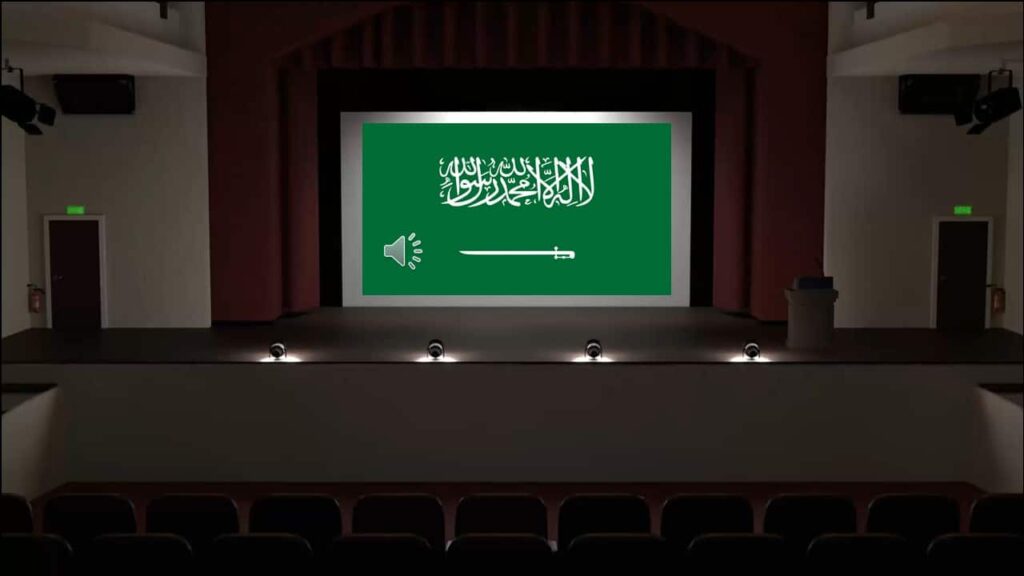
      • National anthem (Saudi Arabia's national anthem has been added, but you can add your country's national anthem)
      • Quranic verse
      • Speech by the event organizers
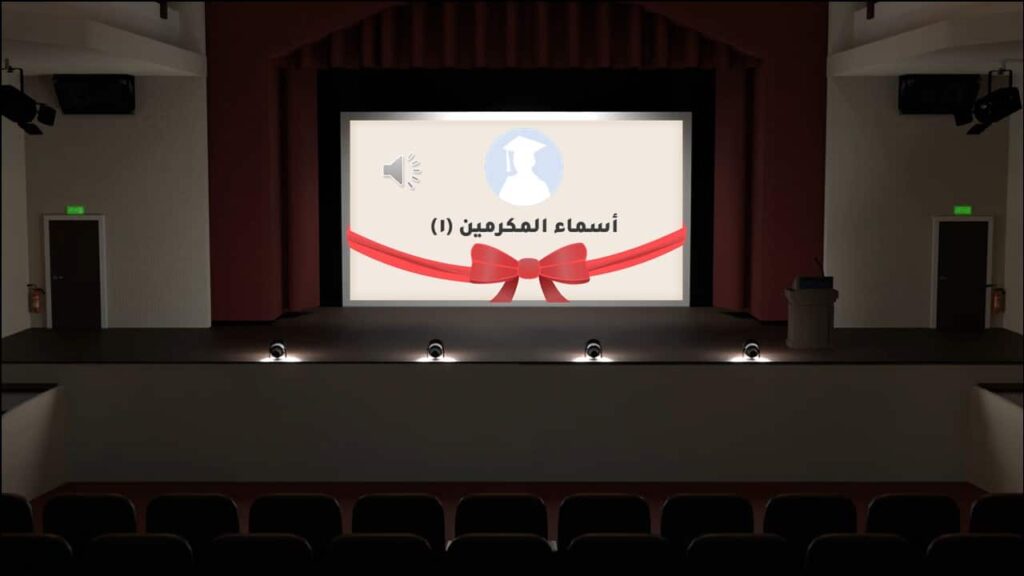
      • Certificates and Recognition Section
      • The end of the ceremony
  • The template is compatible with Office 2013 or later.
  • File is Not compatible with Office Mobile or iPad.
  • Easy to edit and modify the template.
  • is animated and ready to be written on.
  • Animated PowerPoint backgrounds.
  • 3D PowerPoint template.
  • Free and available for download without registration.
  • The template can be used for graduation parties, school parties, or family events.
  • Professional and attractive design
  • Support for smooth transitions between different segments of the ceremony
  • It works on most versions of PowerPoint.
  • The template is organized and divided by paragraphs.
  • Support for adding images and videos to the presentation
  • The party is suitable for both young and old.
  • Professional motion and sound effects
  • Saving the cost of organizing a traditional ceremony and its expensive equipment
  • The ability to customize paragraphs to suit each person's needs
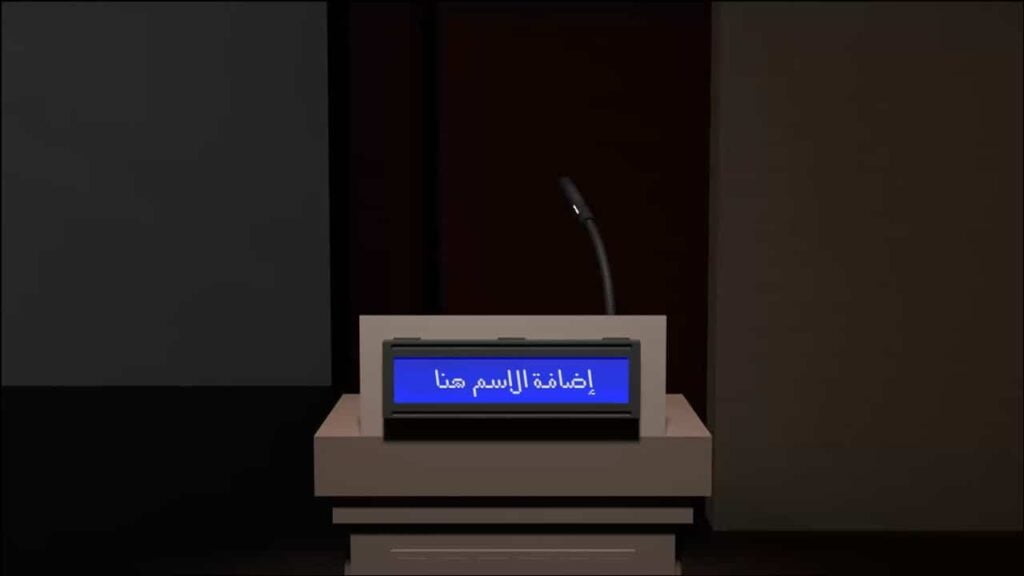
  • Support for adding names and photos of honorees
  • Increase audience engagement
  • The organization's celebration was given a professional look
  • The concert is easy to operate and you can move between segments by simply clicking the left mouse button.
  • It can be displayed on various meeting programs such as Zoom and Teams.
  • It makes organizing the event easier and more professional.
  • To edit this template, you will need PowerPoint. If you have the Microsoft Office suite installed on your computer, you can find PowerPoint in the Start menu, but if not, you must first purchase and install it by visiting the Microsoft website.
  • The font used in the Tajawal template
  • To duplicate the slide, right-click on the slide and select > Duplicate Slide.
  • All text in the template can be edited as you wish.
  • Instructions for use are attached to the last slide in the mold.

Full 3D virtual concert

This template was designed by Inggez and no one has the right to republish or distribute template files or modified versions on other sites without written permission from Inggez

Similar Posts