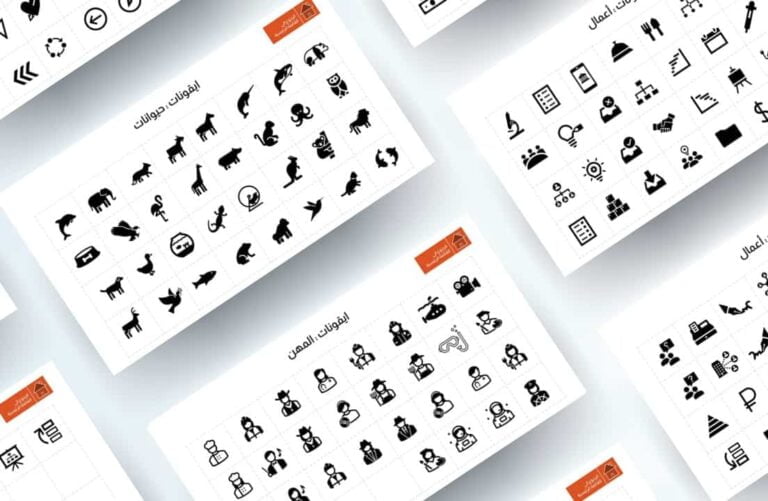
Ready to download icons
Icons
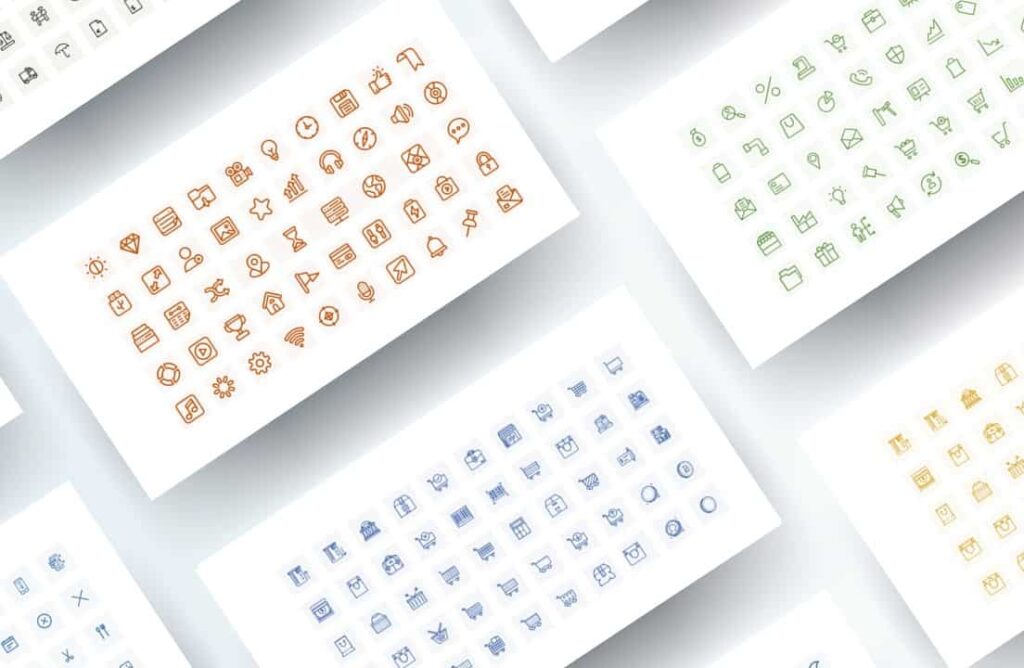
Icon images with a linear design can be used when designing a PowerPoint presentation. It is essential to use icons to help your audience understand the points more easily and quickly and to emphasize the main points. An icon can be used to emphasize a word, phrase, or image. For example, a dollar sign icon can be used to represent money, a shopping cart icon to represent a purchase, or a location icon to represent an important event on a map. They can also be used to simplify your presentation and help explain complex concepts or break up long blocks of text into smaller, more understandable parts. .
Ready to download icons
This template was designed by Inggez and no one has the right to republish or distribute template files or modified versions on other sites without written permission from Inggez