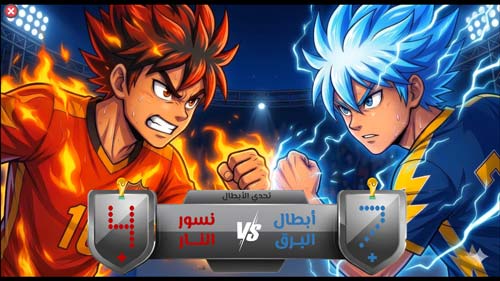
Dragon Challenge Game

 PowerPoint games

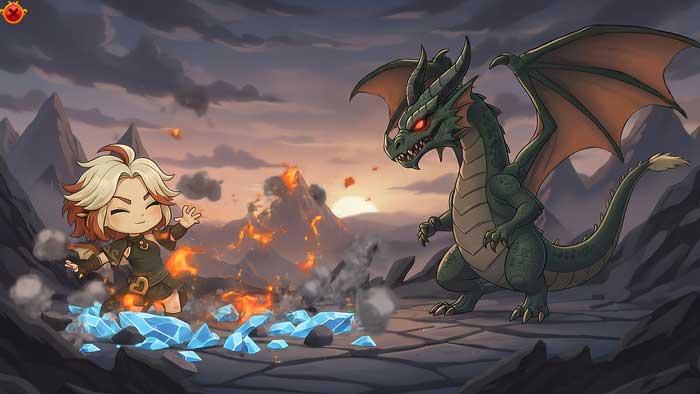
The Dragon Challenge game is an engaging interactive game for children that combines storytelling, student interaction, and learning subject matter in a rich way that captures the student's attention and encourages them to focus with teachers. The game's concept revolves around a village guardian who needs the player's help to face a dragon. Each correct answer from the student represents a direct hit on the dragon, while each incorrect answer is a counter-attack from the dragon. Thus, the student becomes an influential part of the story and feels responsible for helping the village guardian defend her village against the dragon's invasion.

Motivation is considered one of the most important factors affecting a student's concentration and understanding of academic material. Herein lies the role of the Dragon Challenge PowerPoint game template in increasing motivation, transforming learning into an enjoyable experience, and encouraging student participation when they see events that spark challenge and a desire to defeat the dragon.
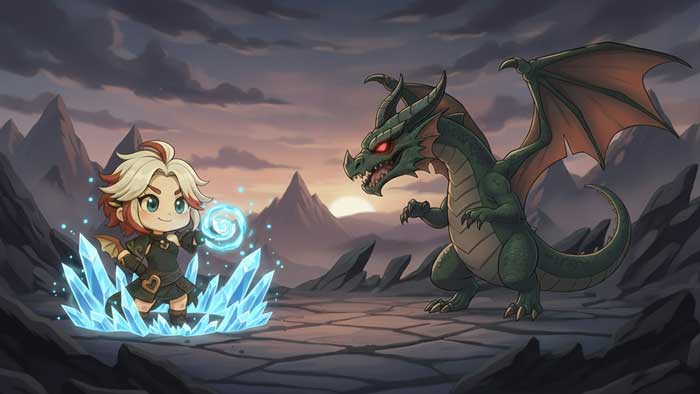
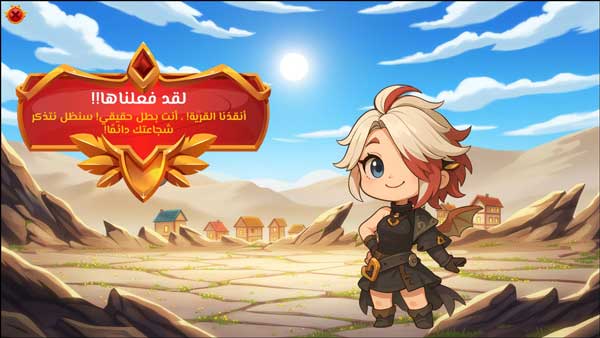
  • PowerPoint game template “Dragon Challenge” ready for you to easily add your educational content
  • The template is compatible with Office 2013 or later.
  • The template is not compatible with Office Mobile or iPad.
  • Innovative educational tool for student engagement
  • Stimulating learning motivation
  • Professional sound effects
  • Developing cooperation among students and increasing team spirit
  • Encouraging student participation in the classroom
  • Template flexibility where it can be used for any subject matter
  • Increased student engagement helps them remember study material.
  • Ease of template modification, in addition to the ability to adjust game duration as needed without affecting game events, by simply repeating slides.
  • Developing Decision-Making Skills in Students
  • Reducing student boredom in classrooms
  • Encourage students to commit to attending school
  • Provide an integrated learning experience for students
  • The template is easy to work with as it can be modified using the popular Microsoft program
  • Ready-made visual and auditory effects
  • Suitable for interactive classroom presentations or remote learning
  • Having pre-made correct and incorrect answer scenarios within the template
  • The ability to customize the template to suit the teacher's needs
  • The fonts used are listed inside the template
  • A favorite cartoon character for students, which helps to increase their interaction with the game
  • Supporting individual and group learning within the classroom
  • To edit this template, you will need PowerPoint. If you have the Microsoft Office suite installed on your computer, you can find PowerPoint in the Start menu, but if not, you must first purchase and install it by visiting the Microsoft website.
  • When you open the file for the first time, you must click on “Enable Editing” when this message appears at the top of the screen in order to be able to view and edit the file .
  • Instructions for use are included with the last slide.

This template was designed by Inggez and no one has the right to republish or distribute template files or modified versions on other sites without written permission from Inggez

Similar Posts