Let's Discover Game

 PowerPoint games

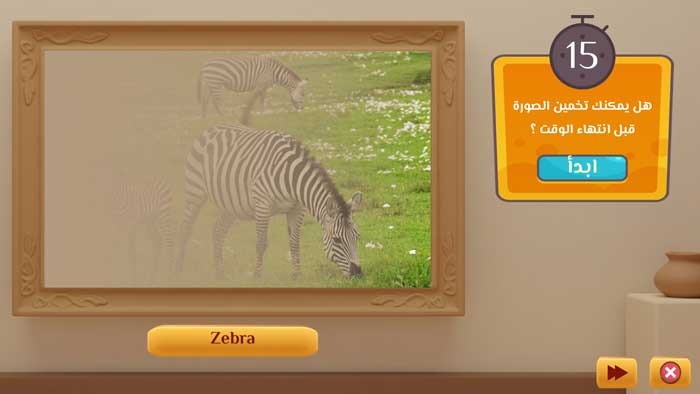
Let's Discover is an educational game for guessing images within a set time. The student is given limited time and must make a quick decision based on incomplete information. This type of challenge helps students develop their analytical and deductive reasoning skills, enhance their concentration, and improve their information recall. The game begins with only part of an image revealed, and the image is gradually uncovered. The student must guess the image before the time runs out.

The game "Let's Discover" comes as an effective educational tool that utilizes the element of challenge and the love of discovery in students, thereby increasing interaction in the classroom. This game can be used for all subjects. For example, it can be used to display a picture of a famous personality, to review animal names in English and French, or to guess the name of a creature or a historical site. Students try to guess it before time runs out, which increases student participation and develops quick thinking.
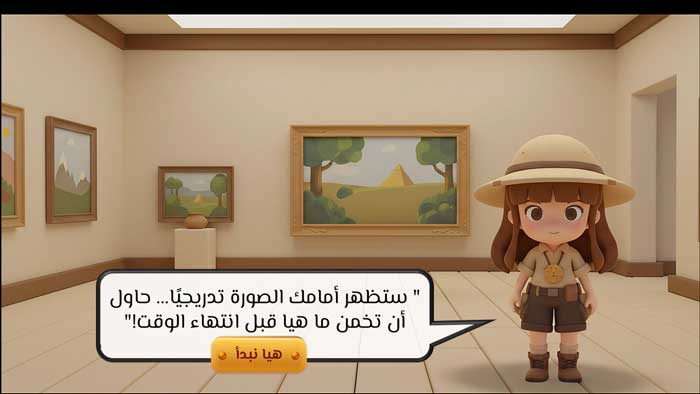
  • PowerPoint game, Let's Discover, ready to add your subject's images
  • The template is compatible with Office 2013 or later.
  • The template is not compatible with Office Mobile or iPad.
  • Enhancing Active Learning in School
  • Increasing student engagement and focus
  • Reducing stress and anxiety in students by creating a positive learning environment
  • Increasing quick-wittedness, responsiveness, and focus in students
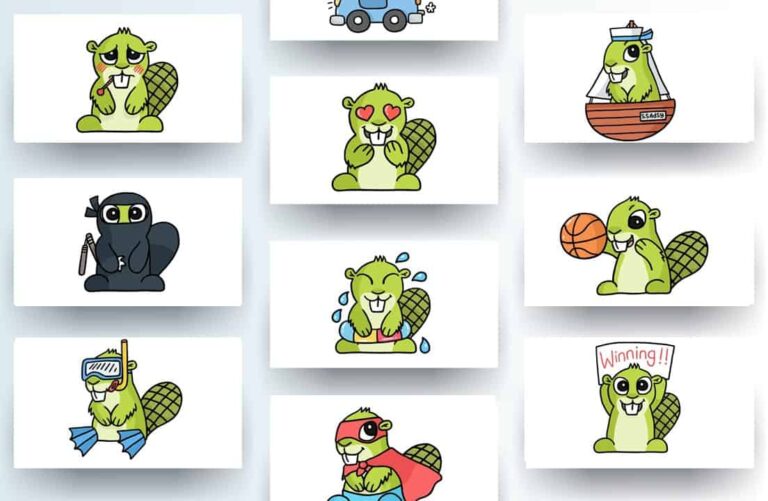
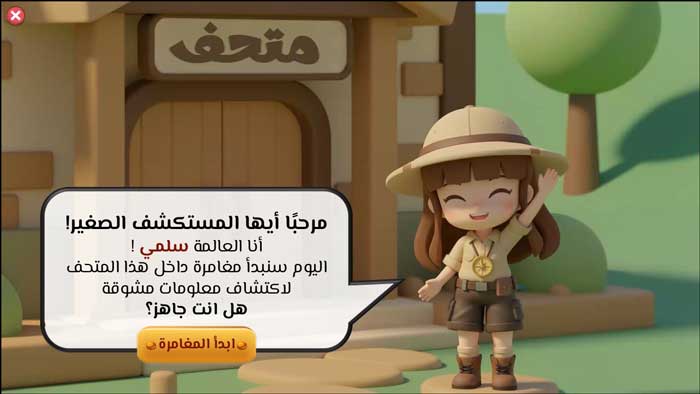
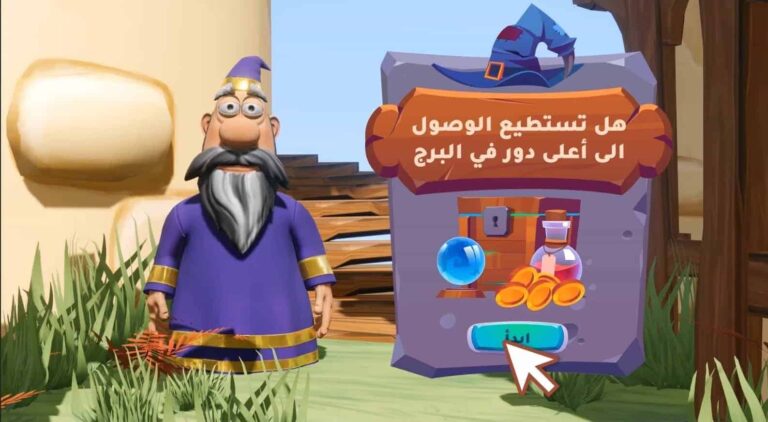
  • A beloved and engaging cartoon character that helps increase student attention and readiness to learn
  • Template customizability for all subjects, where it can be used to guess a personality, a teacher, or an animal, for example, and it can also be used in Arabic or English.
  • Suitability of the template for different ages and school grades
  • Increasing the spirit of challenge within the classroom
  • Discovery-based learning support
  • An effective tool for assessing student understanding at the end of a lesson
  • To edit this template, you will need PowerPoint. If you have the Microsoft Office suite installed on your computer, you can find PowerPoint in the Start menu, but if not, you must first purchase and install it by visiting the Microsoft website.
  • When you open the file for the first time, you must click on “Enable Editing” when this message appears at the top of the screen in order to be able to view and edit the file .
  • Instructions for use are included with the last slide.

This template was designed by Inggez and no one has the right to republish or distribute template files or modified versions on other sites without written permission from Inggez

Similar Posts